
Your passwords.
Your server.
Firnkey is a small, quiet password manager for Chrome and Firefox that talks only to your own self-hosted server. No account with us, no analytics, nothing loaded at run time.
Free and open source under GPL-3.0 · 27 languages · Works with any server that speaks the Bitwarden API
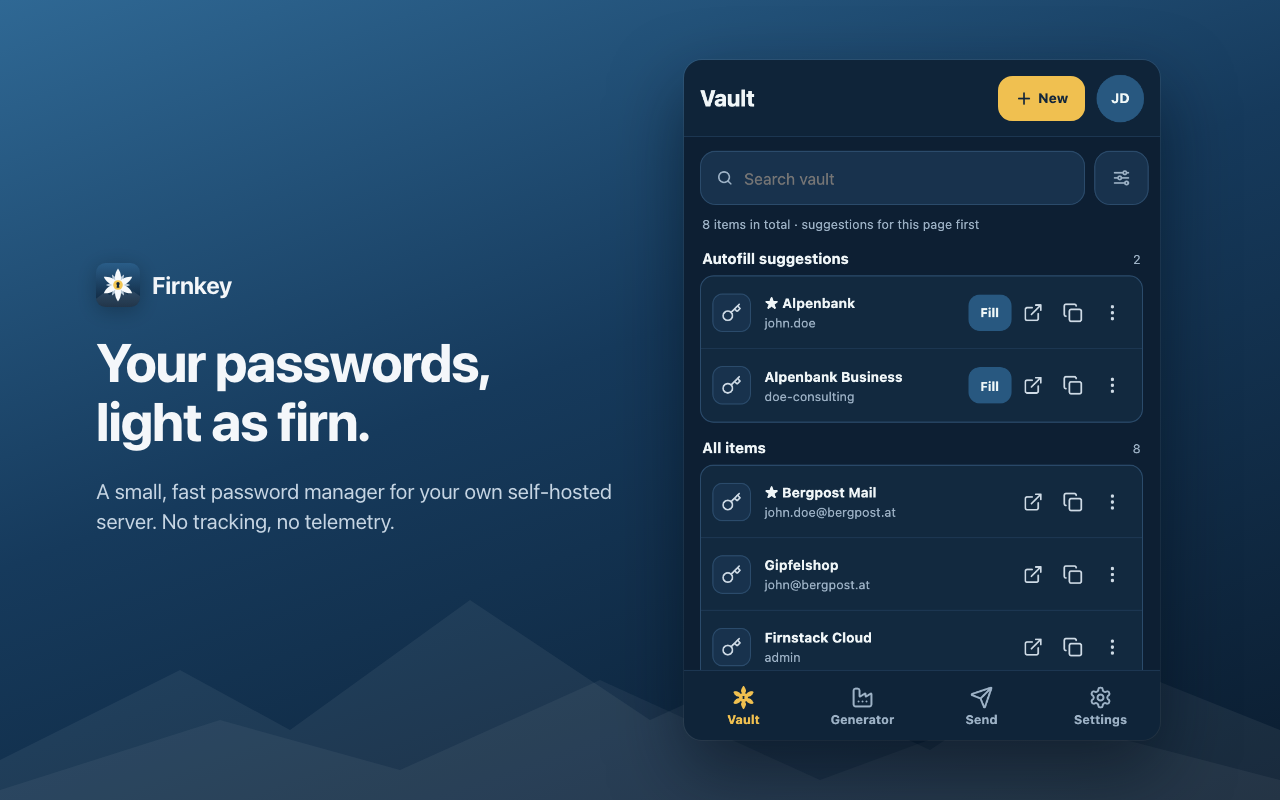
Everything you need, nothing you don't.
One Manifest V3 extension that keeps the browser side light. Permissions are asked for only when a feature needs them.
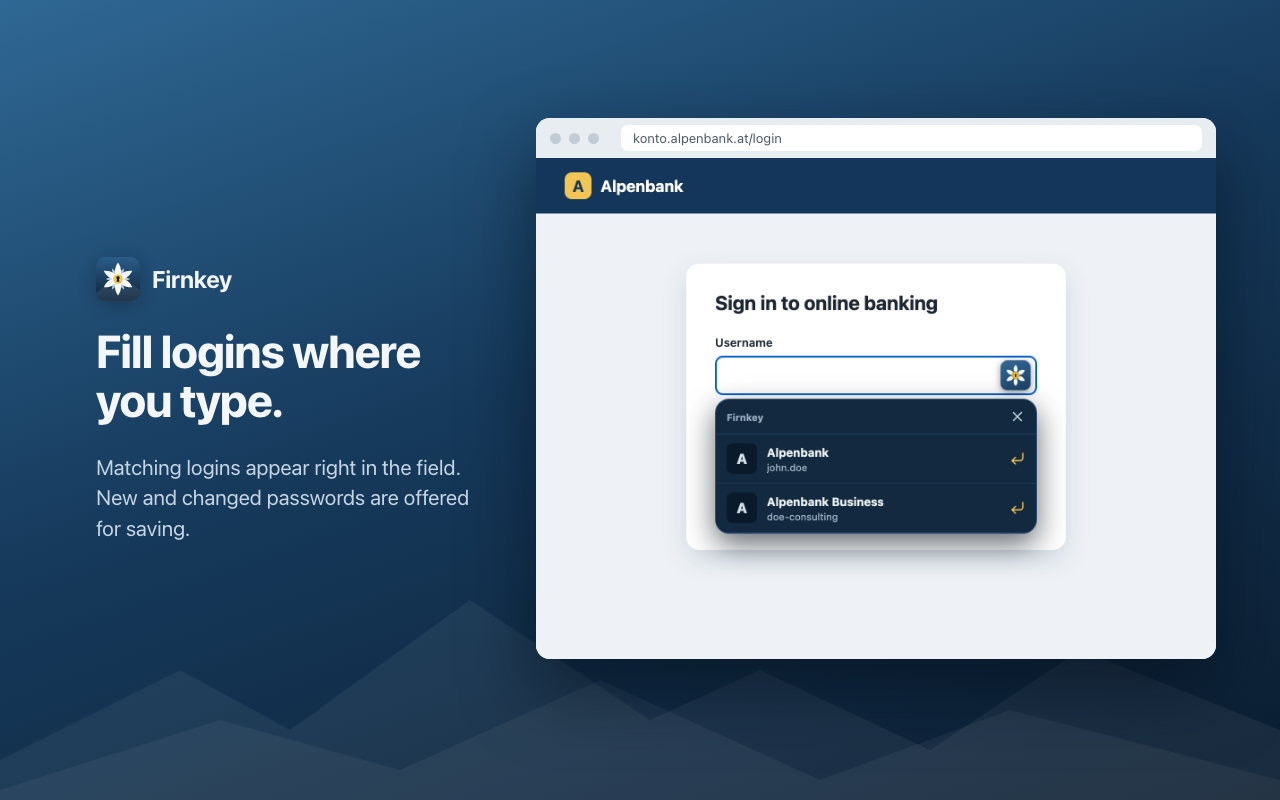
Fills where you type
Suggestions in the login field, a keyboard shortcut, or the right-click menu. Cards, identities and one-time codes too.
Passkeys
Create passkeys on websites and sign in with them, stored in your own vault.
Strong sign-in
PBKDF2 and Argon2id. Authenticator app, email, YubiKey, security keys, Duo, SSO and login with device.
Unlock in a touch
Touch ID, Windows Hello or a PIN. Lock on a timer, when the computer locks, or when the browser closes.
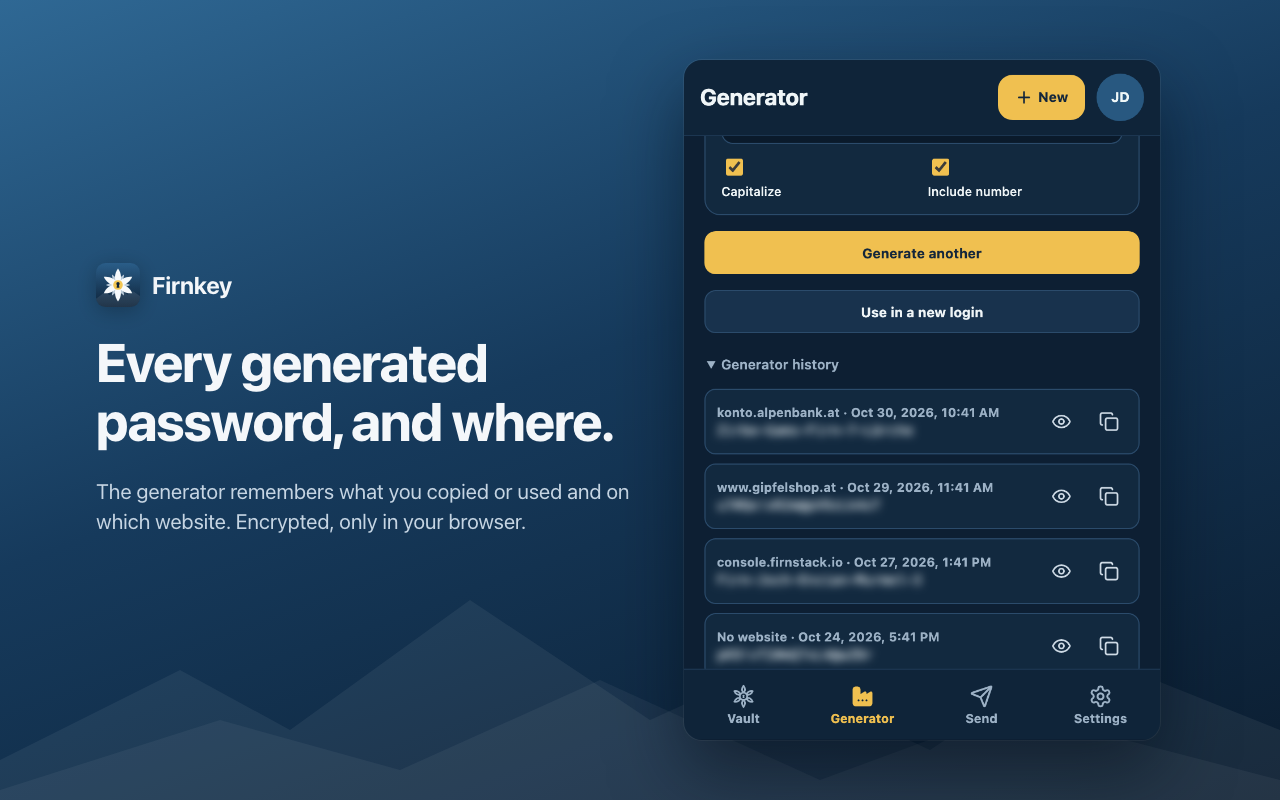
Generator with memory
Passwords, passphrases, usernames and email aliases. Every password you used is remembered, encrypted, with its website.
Password health
Finds weak and reused passwords and, if you turn it on, ones that appeared in known data breaches.
Live sync
Changes arrive instantly through your server's notification hub. Several accounts and organizations, one click apart.
Send and SSH keys
Share text or files through self-deleting encrypted links. Generate Ed25519 keys and fill their public half.
Move in, move out
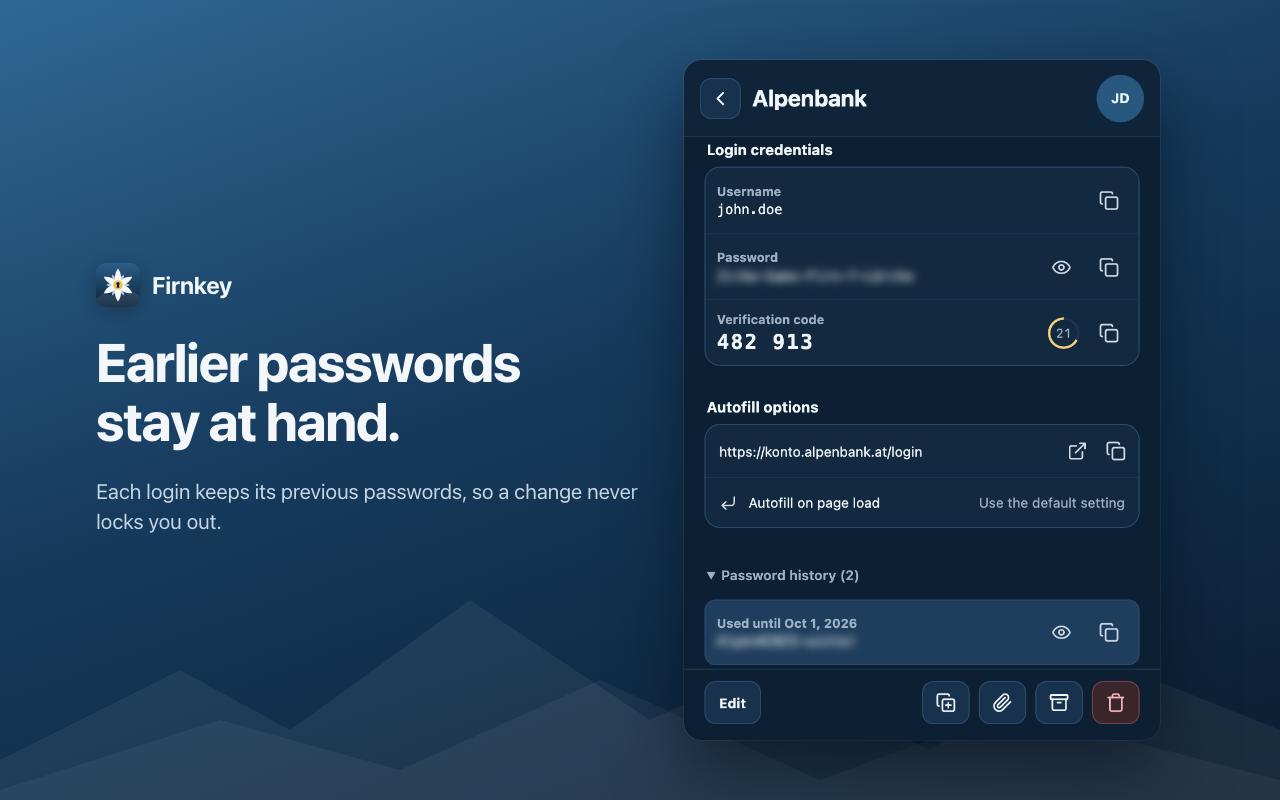
Import from Bitwarden, 1Password, KeePass and browser CSV exports. Export to Bitwarden JSON any time.
Encrypted on your device. Stored on your server.
Only your server
Firnkey connects to the one address you enter. Plain HTTP is allowed only for localhost.
Master password never stored
It derives your keys, then it is dropped. Decrypted items live only in the extension's memory.
Websites stay closed
No access to any page until you turn on website integration. Logins for a subdomain are never offered on its parent.
No telemetry
No tracking, no analytics, no remote code. The optional breach check sends only 5 characters of a hash.
Details: extension privacy policy · security policy. Firnkey has not had an independent security audit yet; try it with a test account first.
Get started
- Download the latest build for Chrome or Firefox from GitHub releases, or build it yourself with
pnpm verify. - Chrome: open
chrome://extensions, turn on Developer mode and choose Load unpacked. Firefox 140+:about:debugging→ This Firefox → Load Temporary Add-on. - Enter your server address and sign in. Firnkey asks for access to that one server only.
About
The name comes from the Alps. Firn is old, packed snow on its way to becoming glacier ice: quiet, solid and hard to reach. The edelweiß in the icon grows up there too, protected by where it lives.
Firnkey is an independent, non-commercial open-source project. Questions, bugs and ideas are welcome in the issue tracker.
Firnkey is not affiliated with or endorsed by Bitwarden, Inc. "Bitwarden" is their trademark and is used here only to describe compatibility.